How to Apply the Emerald Dragon English Translation Patch on Linux
Emerald Dragon is one of the most notable cult RPGs that remained exclusive to the market of the land of the rising sun. Originally developed by Glodia and published for the PC Engine CD-ROM² in 1994, it stands out for its excellent soundtrack and a highly dynamic tactical combat system for its time.
I recently acquired an original physical copy for €29.94 on eBay from a Japanese seller. With an additional little gift my father paid upon delivery as a customs duty.
1. Prerequisites: Installing xdelta3
To apply the binary patch in .xdelta format, we will need the xdelta3 tool. You can install it from the terminal depending on your distribution:
On Debian and derivatives (Ubuntu / Mint):
$ sudo apt install xdelta3
On Fedora:
$ sudo dnf install xdelta3
On openSUSE:
$ sudo zypper install xdelta3
2. Downloading the Translation Patch
The English translation (version 1.0) is a project by Stargood Translations led by Supper, with the following contributions:
Hacking and translation: Supper
Editing and testing: cccmar
Testing: Oddoai-sama
The current version of the patch (v1.0) can be obtained directly from the official Stargood project site (https://stargood.org/trans/emdr.php).
Download the v1.0 patch
$ wget -c "[https://stargood.org/trans/files/Emerald%20Dragon%20EN%20](https://stargood.org/trans/files/Emerald%20Dragon%20EN%20)[v1.0].zip"
Unzip it:
$ unzip "Emerald Dragon EN [v1.0].zip"
3. Preparation of the Game Files
This tutorial uses version 1.1 (Rev 1) of the original Japanese game (recommended). The process also works with Rev 0, but you must use the corresponding files and patch.
3.1. Extraction and Organization
Extract the game data (assuming you have them in a compressed 7z file):
$ 7z e Emerald\ Dragon\ \(Japan\)\ \(Rev\ 1\).7z
Move the .bin files to the splitbin_patch folder to work in an organized manner:
$ mv *.bin splitbin_patch/
3.2. Directory Cleanup
It is advisable to delete unnecessary files (Windows executables and configuration files that we will not use in Linux) to avoid confusion:
$ rm -rf *.zip *.7z *.txt *.cue auto_patch Emerald\ Dragon\ \(Japan\)\ \(Rev\ 1\) redump_patch/*.exe redump_patch/*.cue redump_patch/Emerald\ Dragon\ EN\ \[v1.0-rev0\]\ Redump.xdelta splitbin_patch/*.bat splitbin_patch/xdelta3.exe
The resulting structure should be similar to this:
├── redump_patch
│   └── Emerald Dragon EN [v1.0-rev1] Redump.xdelta
└── splitbin_patch
    ├── Emerald Dragon EN [v1.0] SplitBin.cue
    ├── Emerald Dragon (Japan) (Rev 1) (Track 01).bin
    ├── ... (intermediate tracks)
    └── Emerald Dragon (Japan) (Rev 1) (Track 31).bin
4. Applying the Patch with a Bash Script
Since the original game consists of multiple tracks (split bin), the process requires concatenating the files, applying the patch, and then renaming the result. I have adapted the original .bat file to a native Bash script for Linux.
Create the file apply_patch.sh inside splitbin_patch:
#!/bin/bash
# Script to merge PSX game tracks (Emerald Dragon) and apply an XDelta patch
# Converts individual binary tracks into a single BIN file and applies translation/fixes

# Robust configuration: exit on error, undefined variables, or pipe failures
set -euo pipefail

# Variable definitions (easily modifiable)
BASE_NAME="Emerald Dragon (Japan) (Rev 1)"
OUTPUT_NAME_UNPATCHED="Emerald Dragon EN [v1.0-rev1] SplitBin.bin"
PATCH_SOURCE="../redump_patch/Emerald Dragon EN [v1.0-rev1] Redump.xdelta"
OUTPUT_PATCHED_TEMP="Emerald Dragon EN [v1.0-rev1] SplitBin.bin_patched"
FINAL_BIN="Emerald Dragon EN [v1.0] SplitBin.bin"
CUE_FILE="Emerald Dragon EN [v1.0] SplitBin.cue"

# Generate track list (01..31 with two-digit format)
TRACKS=()
for i in $(seq -w 1 31); do
    TRACKS+=( "${BASE_NAME} (Track $i).bin" )
done

# Function to clean up temporary file if it exists
clean_temp() {
    if [[ -f "$OUTPUT_NAME_UNPATCHED" ]]; then
        echo "Removing old temporary file: $OUTPUT_NAME_UNPATCHED"
        rm "$OUTPUT_NAME_UNPATCHED"
    fi
}

# Verify that all tracks exist and xdelta3 is available
echo "Checking requirements..."
if ! command -v xdelta3 &> /dev/null; then
    echo "ERROR: xdelta3 is not installed. Please install it using: sudo apt install xdelta3 (or equivalent)"
    exit 1
fi

for track in "${TRACKS[@]}"; do
    if [[ ! -f "$track" ]]; then
        echo "ERROR: File not found: $track"
        exit 1
    fi
done
echo "All tracks exist and xdelta3 is installed."

# 1. Clean up any leftovers from previous runs
clean_temp

# 2. Concatenate all tracks into a single BIN file
echo "Merging 31 tracks into $OUTPUT_NAME_UNPATCHED ..."
cat "${TRACKS[@]}" > "$OUTPUT_NAME_UNPATCHED"
echo "Merge completed."

# 3. Apply xdelta3 patch
echo "Applying XDelta patch from $PATCH_SOURCE ..."
xdelta3 -d -s "$OUTPUT_NAME_UNPATCHED" "$PATCH_SOURCE" "$OUTPUT_PATCHED_TEMP"
echo "Patch applied successfully."

# 4. Remove the unpatched temporary file
clean_temp

# 5. Rename the patched file to the final name
echo "Renaming final output to $FINAL_BIN ..."
mv "$OUTPUT_PATCHED_TEMP" "$FINAL_BIN"

# 6. Check that the required CUE file exists (optional but helpful)
if [[ ! -f "$CUE_FILE" ]]; then
    echo "WARNING: Expected CUE file not found: $CUE_FILE"
    echo "         Please ensure it is in the same directory for the game to work correctly."
else
    echo "CUE file found."
fi

# Final message
echo "======================================================================"
echo "Process completed successfully!"
echo "Required files to play (in current directory):"
echo "   GAME: $FINAL_BIN"
echo "   CUE : $CUE_FILE"
echo "======================================================================"
Grant execute permissions to the script apply_patch.sh:
$ chmod +x splitbin_patch/apply_patch.sh
Run the script:
$ cd splitbin_patch && ./apply_patch.sh
5. Conclusion and Execution
If everything went well, you will get two final files:
Emerald Dragon EN [v1.0] SplitBin.binEmerald Dragon EN [v1.0] SplitBin.cue
These files are ready to be loaded into emulators like Mednafen or RetroArch (Beetle PCE FAST core). Although I own the original hardware, current emulation offers unbeatable advantages: from resolution scaling to the convenience of playing on mobile devices. Considering that CRT (tube) televisions are today collector’s items and modern screens no longer natively integrate analog inputs, emulation is undoubtedly the best way to preserve and enjoy these gems.
6. Translated Game Gallery
This is what this PC Engine classic looks like with English texts:
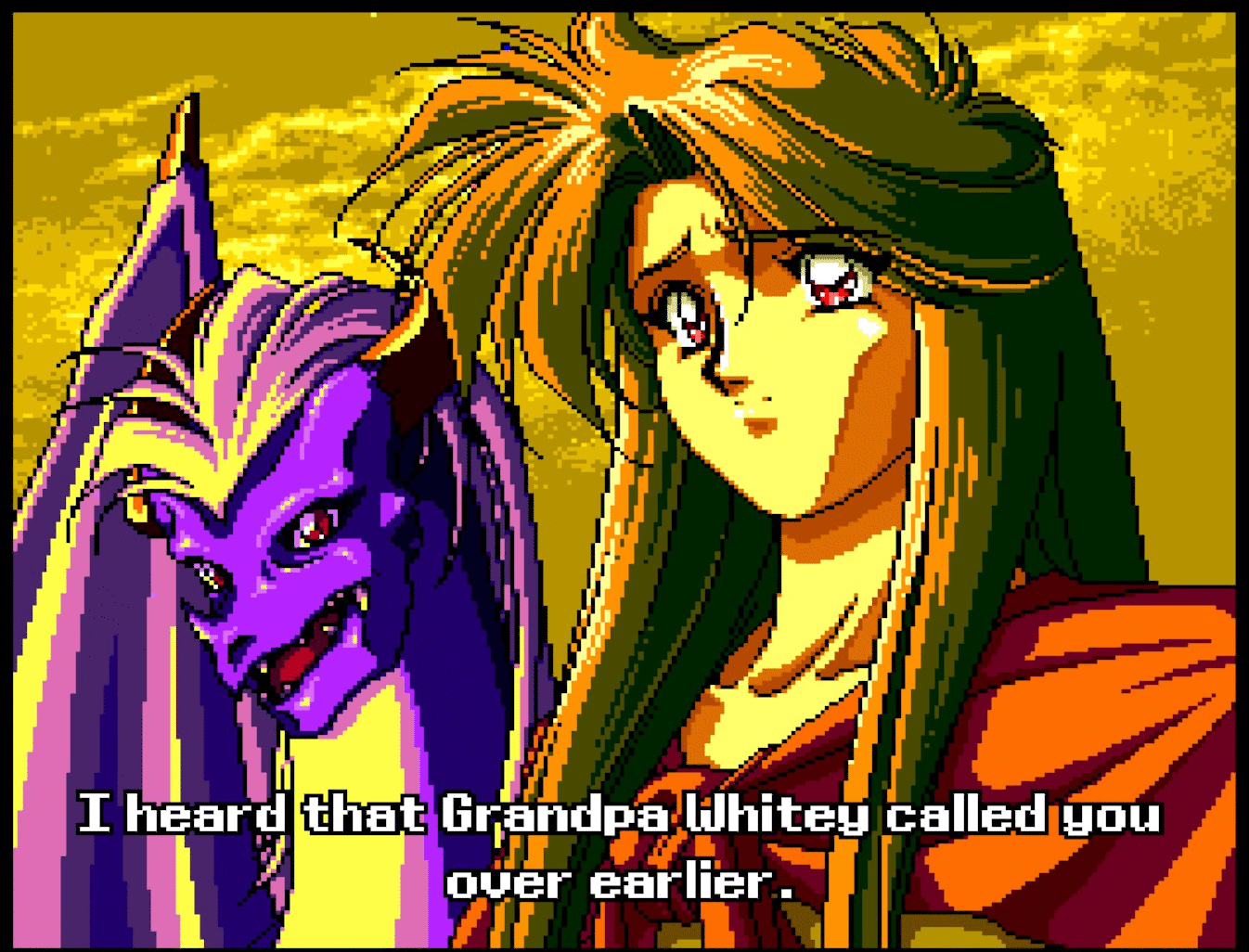
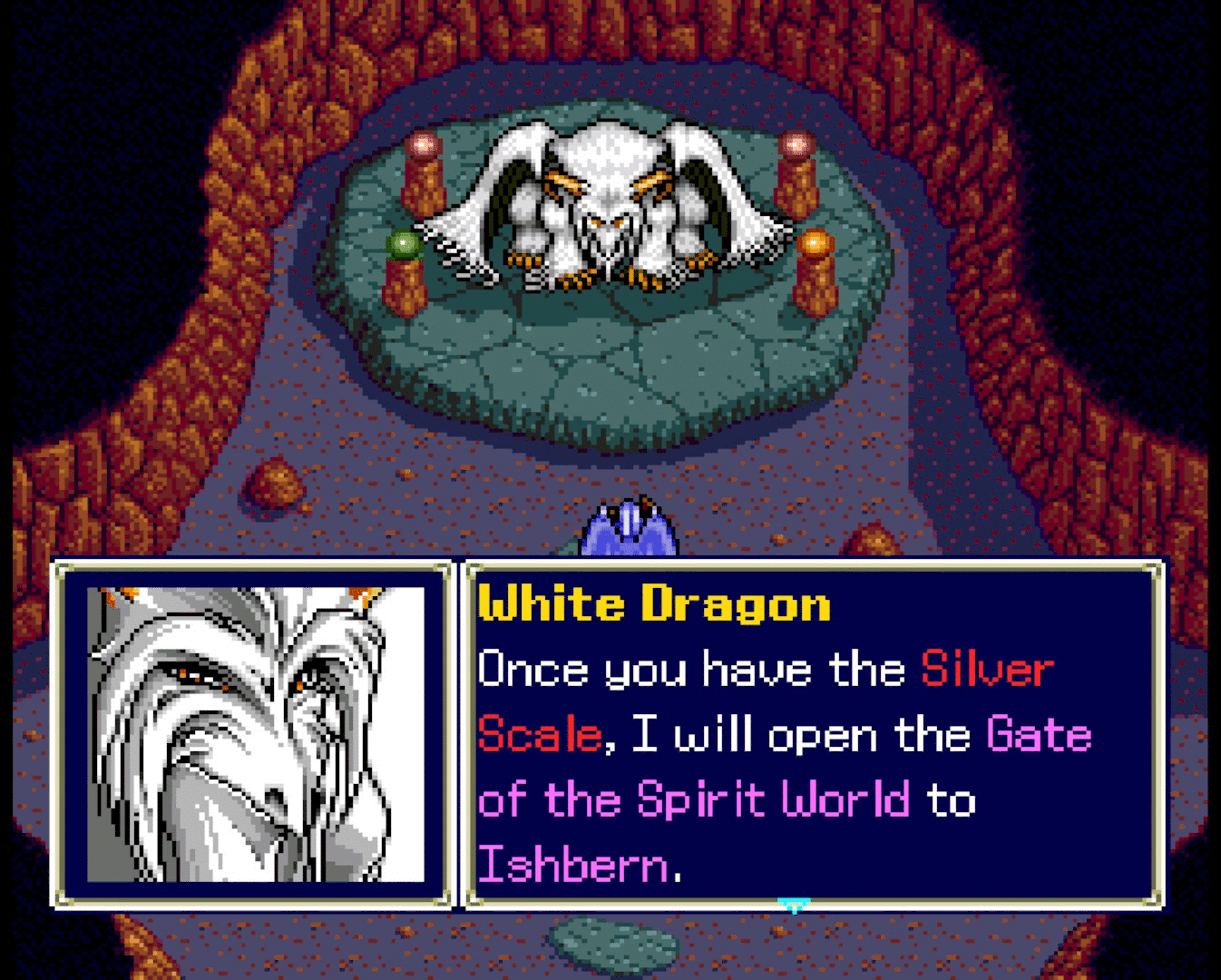
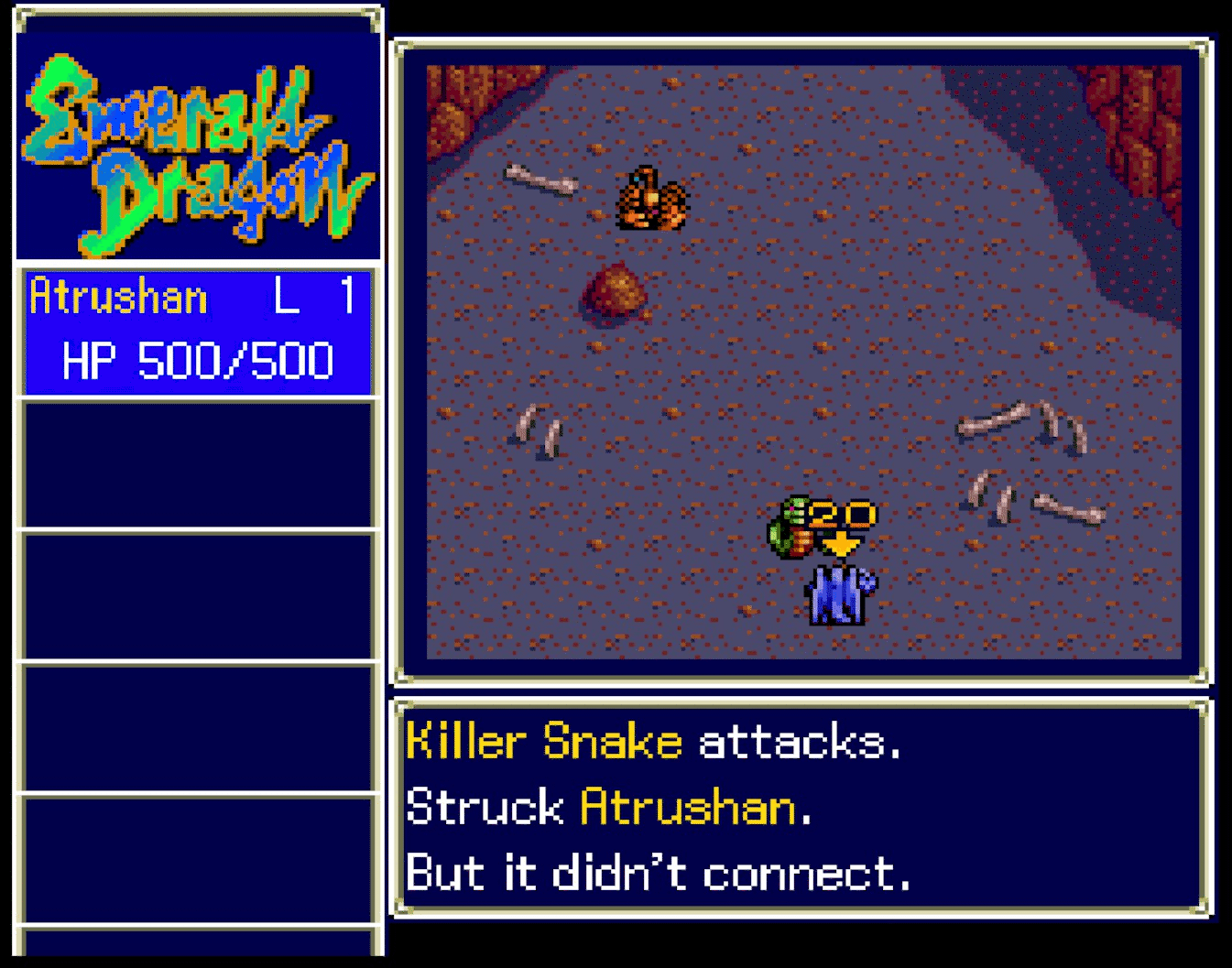
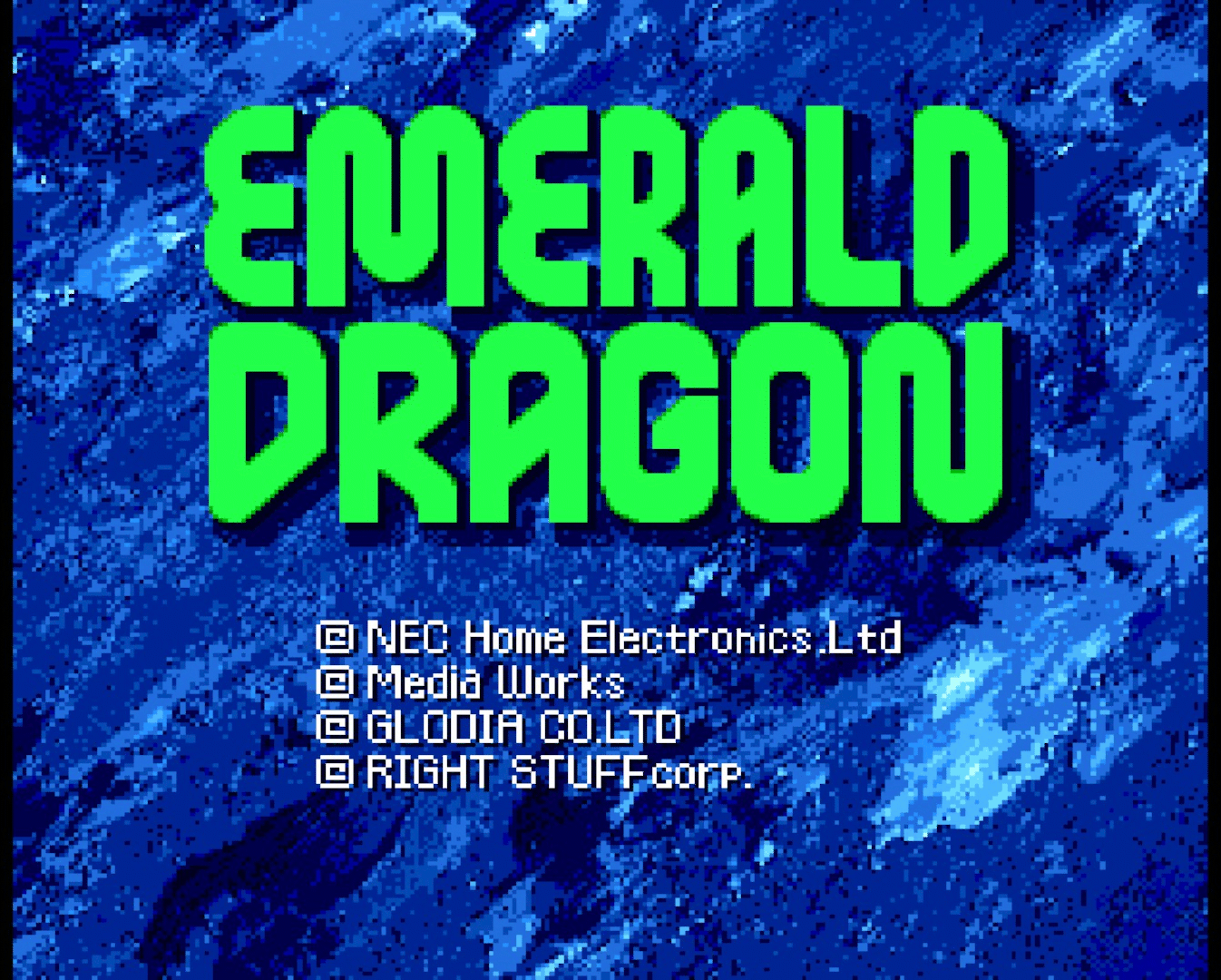
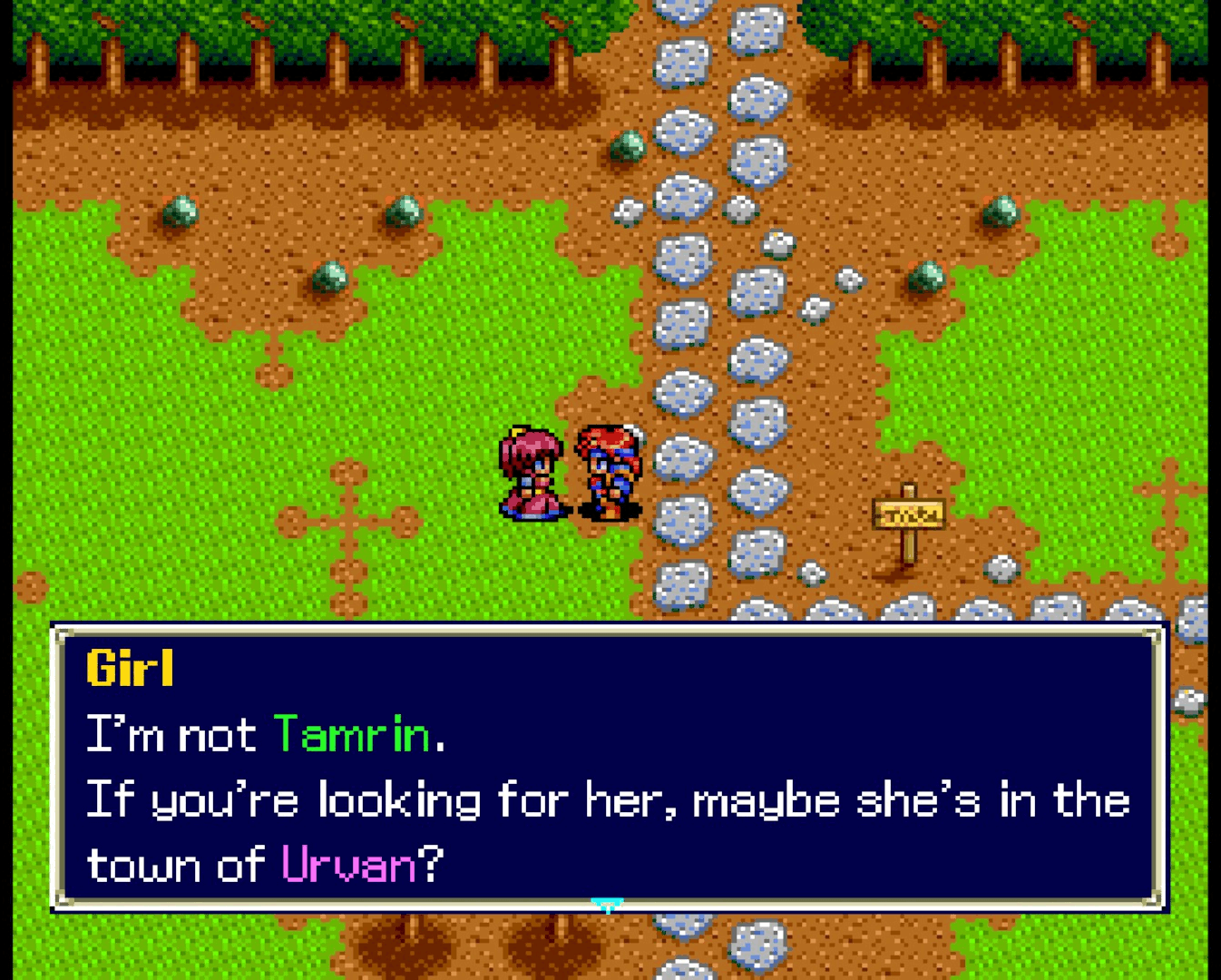
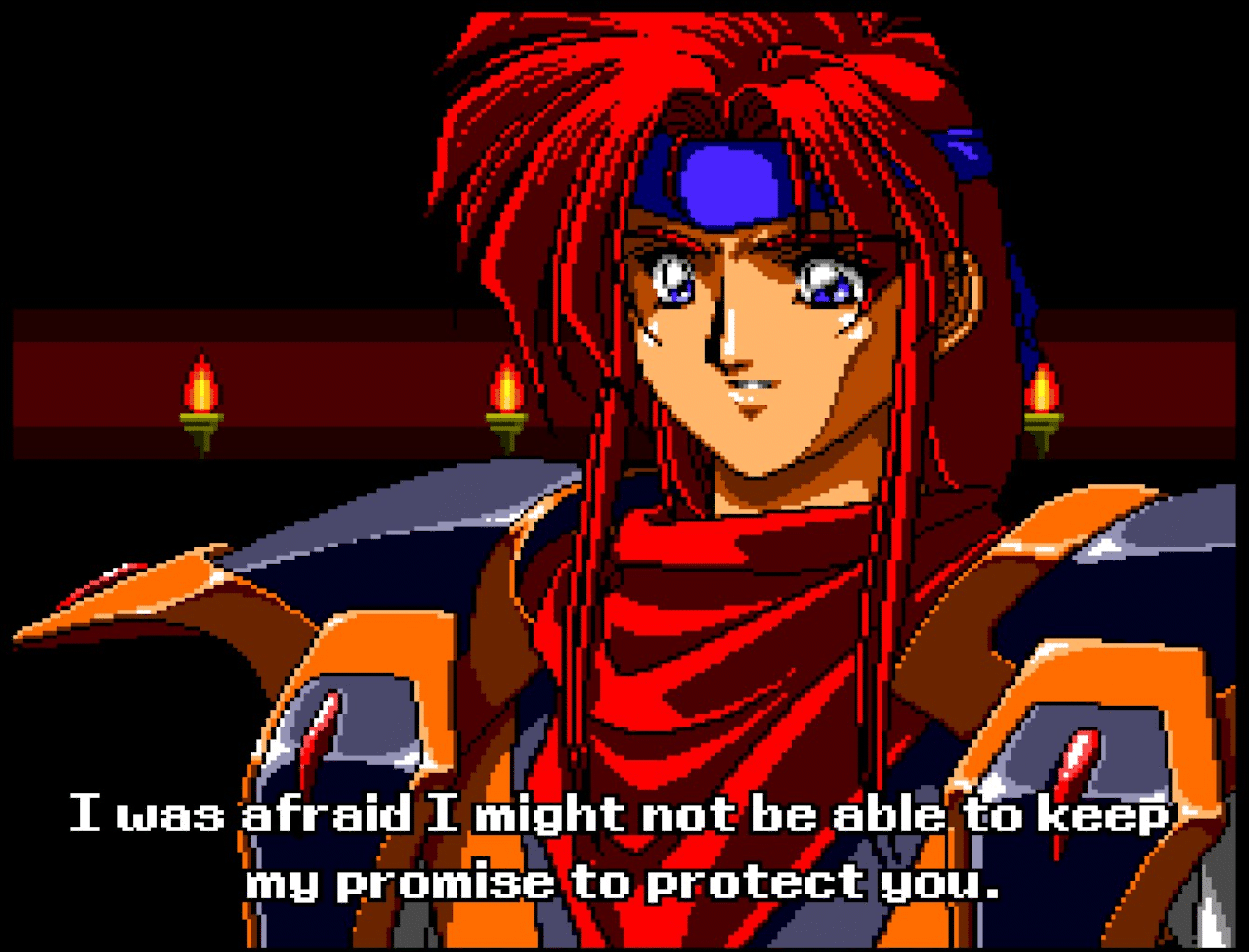
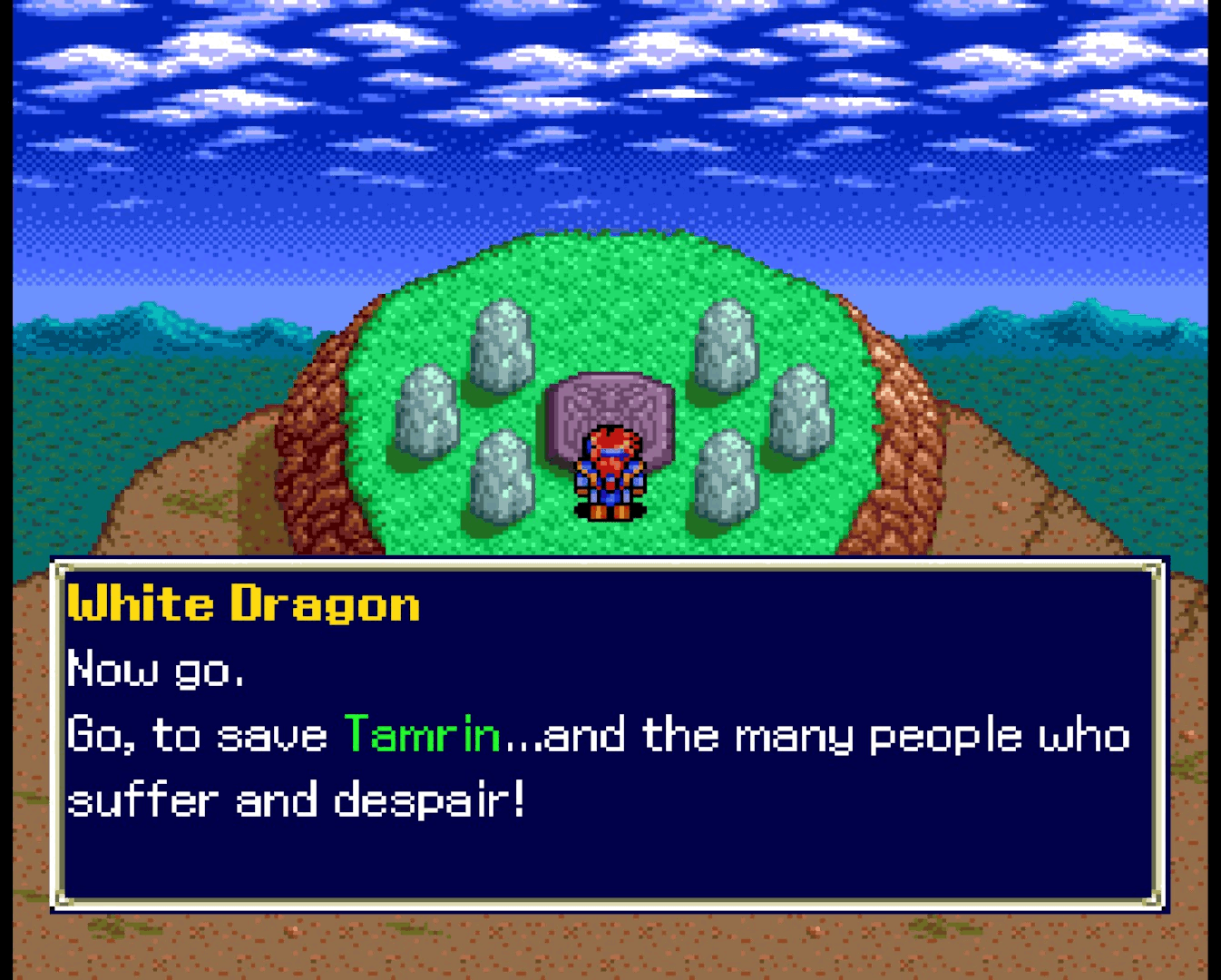
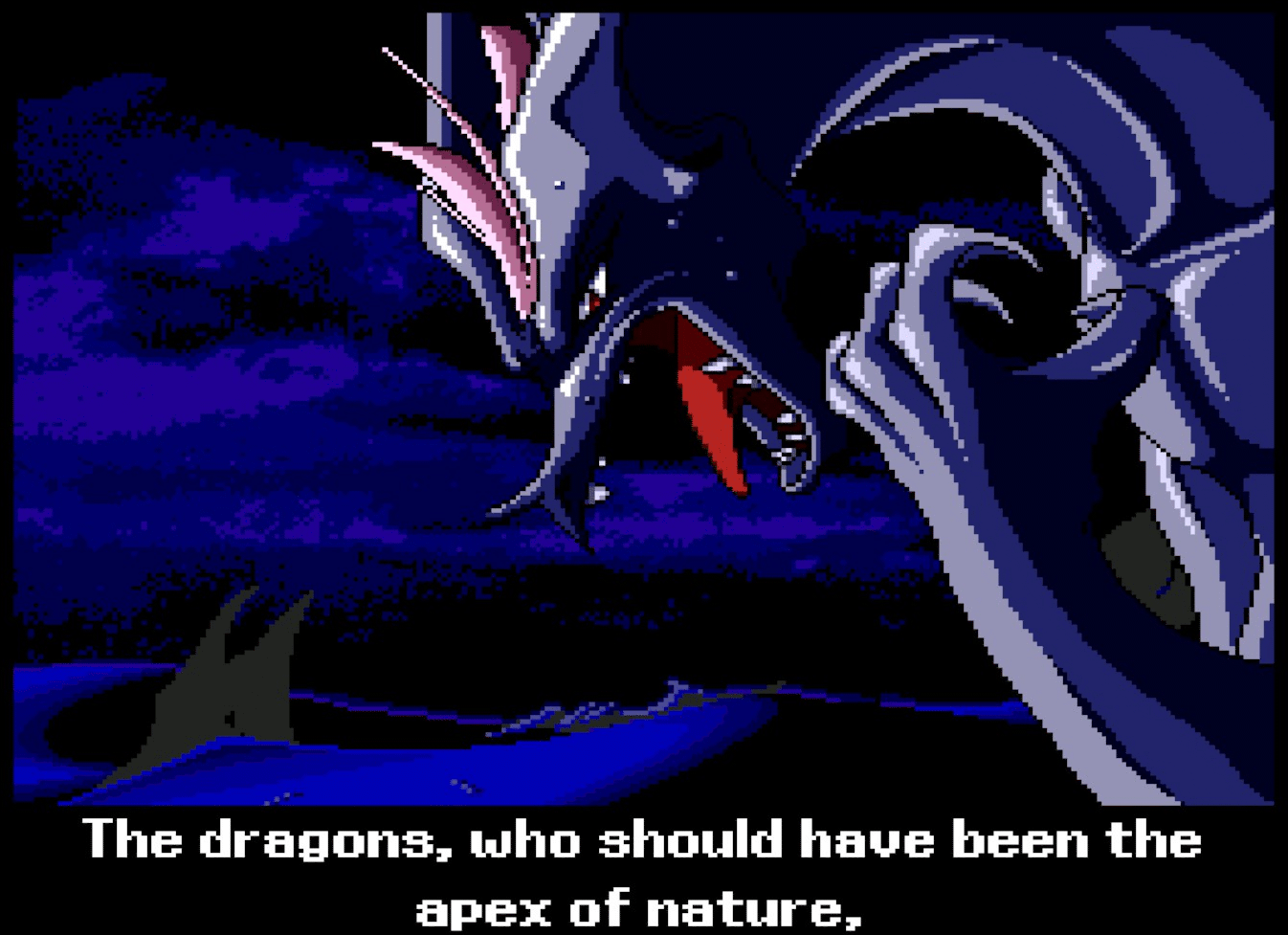
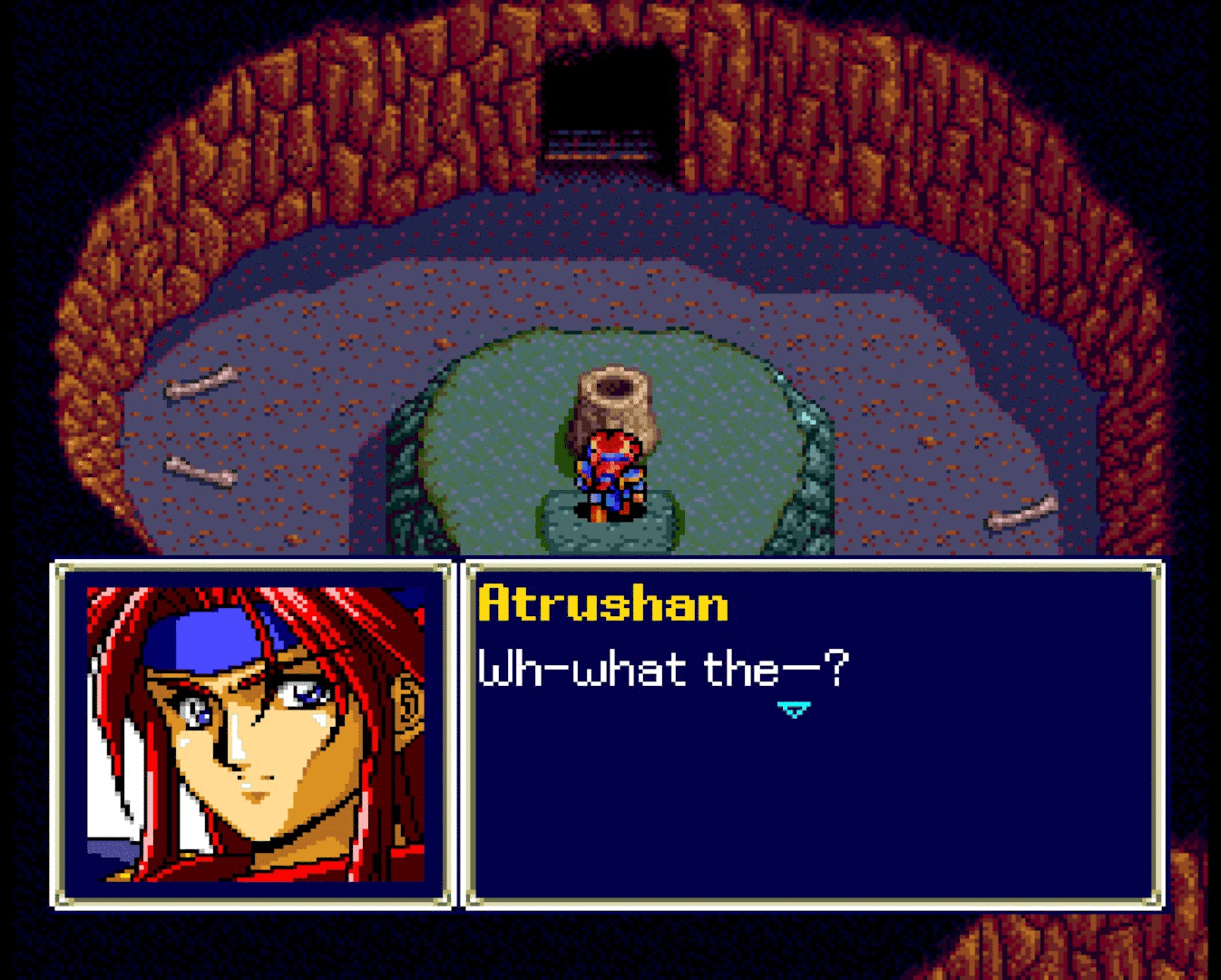
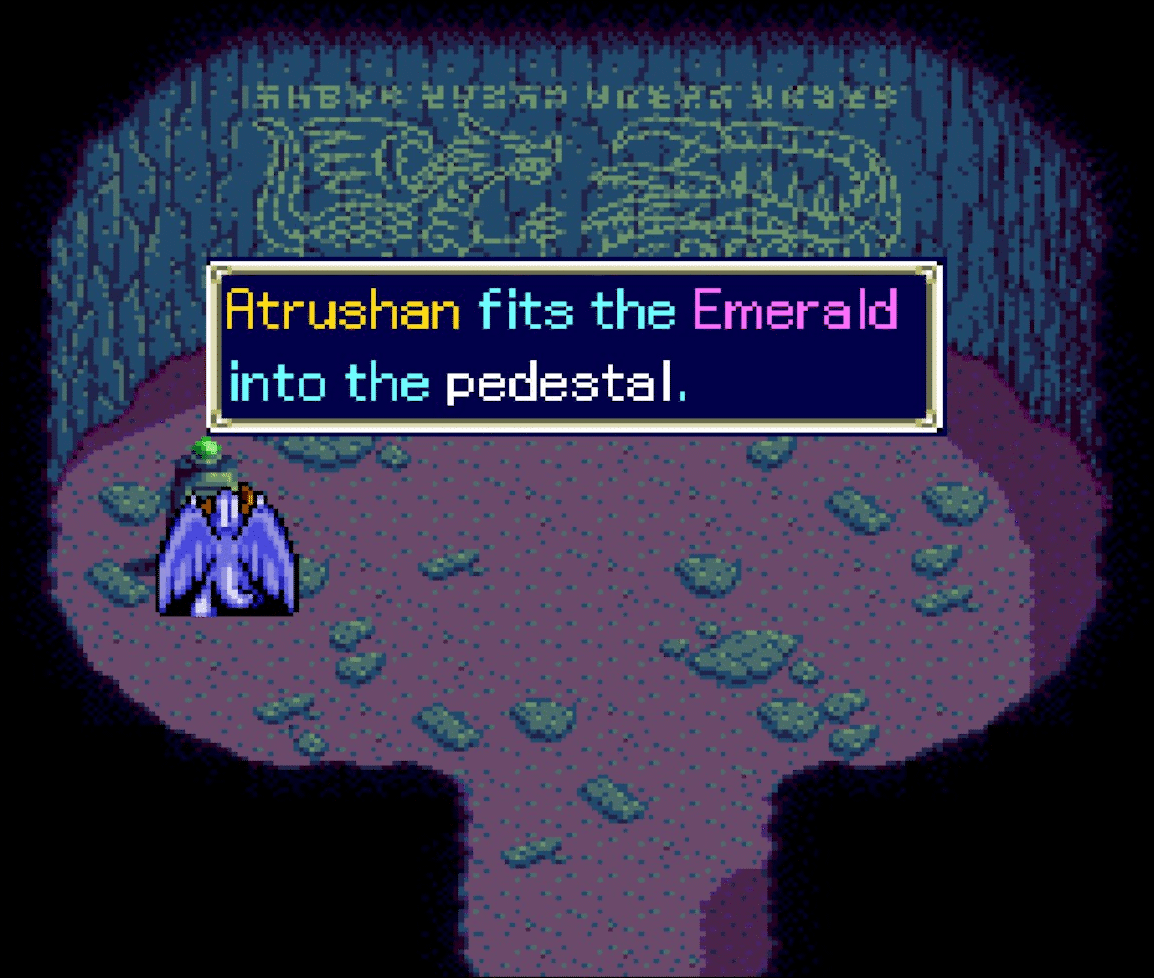
All images and screenshots incorporated in this article belong to the video game Emerald Dragon. This title was originally developed by Glodia and published for the PC Engine CD-ROM² system in 1994.
The graphic material is reproduced in this tutorial for strictly informational, educational, and technical review purposes, under the right of quotation established in the Spanish Intellectual Property Law (Art. 32.1). All copyrights and intellectual property of the original game belong to their respective legal creators and distributors.
Likewise, it is acknowledged that the English translation patch mentioned is a non-profit derivative work created by the fan project Stargood Translations. The credits for this translation go to Supper (hacking and translation), cccmar (editing and testing), and Oddoai-sama (testing). This article does not host or distribute unauthorized copies of commercial software.