Compress scanned handwritten notes with Noteshrink
You scan your class notes, but the quality is poor and the file takes up too much space. The solution: Noteshrink.
1. Install Noteshrink
The first thing is to install the Python virtual environment. I am leaving the instructions for Debian 13, although any AI will tell you how to do it on other systems.
On Debian 13, install two packages: python3-venv, imagemagick, and poppler-utils:
$ sudo apt install python3-venv imagemagick poppler-utils
Now create the virtual environment (use the path you prefer):
$ python3 -m venv /home/alejandro/Otros/venv
Activate the virtual environment (replace the path with the one you have chosen):
$ source /home/alejandro/Otros/venv/bin/activate
Finally, install Noteshrink in the virtual environment:
$ pip install noteshrink
2. Configure ImageMagick (if necessary)
On some systems, it may be necessary to modify the ImageMagick security policy to allow handling PDF files:
$ sudo nano /etc/ImageMagick-7/policy.xml
Add the following line inside <policymap>...</policymap>:
<policy domain="coder" rights="read|write" pattern="PDF" />
3. Convert the PDF to images
This article assumes that the notes are in PDF format.
I am going to use the file apuntes-originales.pdf, featuring six pages of my exercises written with a pen.
Convert each page of the PDF into PNG files:
$ pdftoppm apuntes-originales.pdf pagina -png
4. Enhance the images
These two steps are not always necessary:
Experiment with them only if the final result is not satisfactory.
4.1. Increase the contrast
If the colors contrast well with the background, this step is normally not needed. However, when the writing uses light colors, it can be useful to increase the contrast:
$ find . -type f -name "*.png" | parallel convert {} -sigmoidal-contrast 10,200% {}
4.2. Reduce the number of colors
Sometimes it is advisable to reduce the number of colors:
$ find . -type f -name "*.png" | parallel convert {} -level 50%,50% {}
With this, some contrast is gained, the work of Noteshrink is made easier, and the final size is slightly reduced, although it is not an essential step.
5. Compress with Noteshrink
Finally, the time comes to use Noteshrink to process the images and generate an optimized PDF:
$ noteshrink -w -g -O -C -Q -o apuntes-procesados.pdf *.png
6. Result
The processed file will take up much less space than the original file, since:
- It reduces the number of colors.
- It attenuates or partially removes the background.
- It improves the legibility of the handwritten content.
With this process, you can transform heavy and poorly legible scans into lighter and clearer documents.
I have used apuntes-originales.pdf (original file), which was 4.6 MB, to generate apuntes-procesados.pdf (processed file), of just 0.2 MB. The size reduction is spectacular (more than 95%).
Open both files to check the results or consult the following images.
In short, it is worth using Noteshrink.
6.1. Images
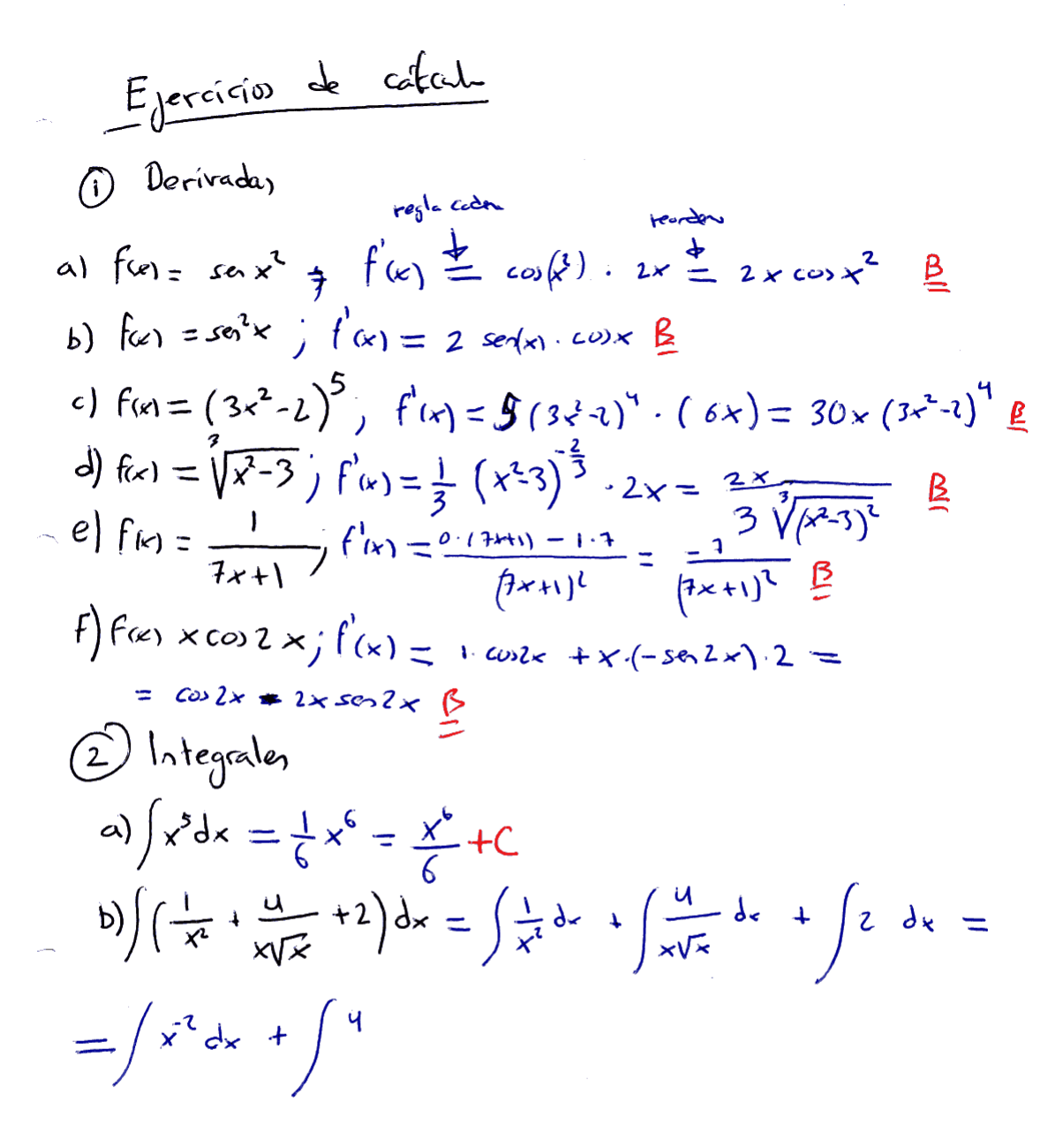
The original page one, exactly as it is scanned:
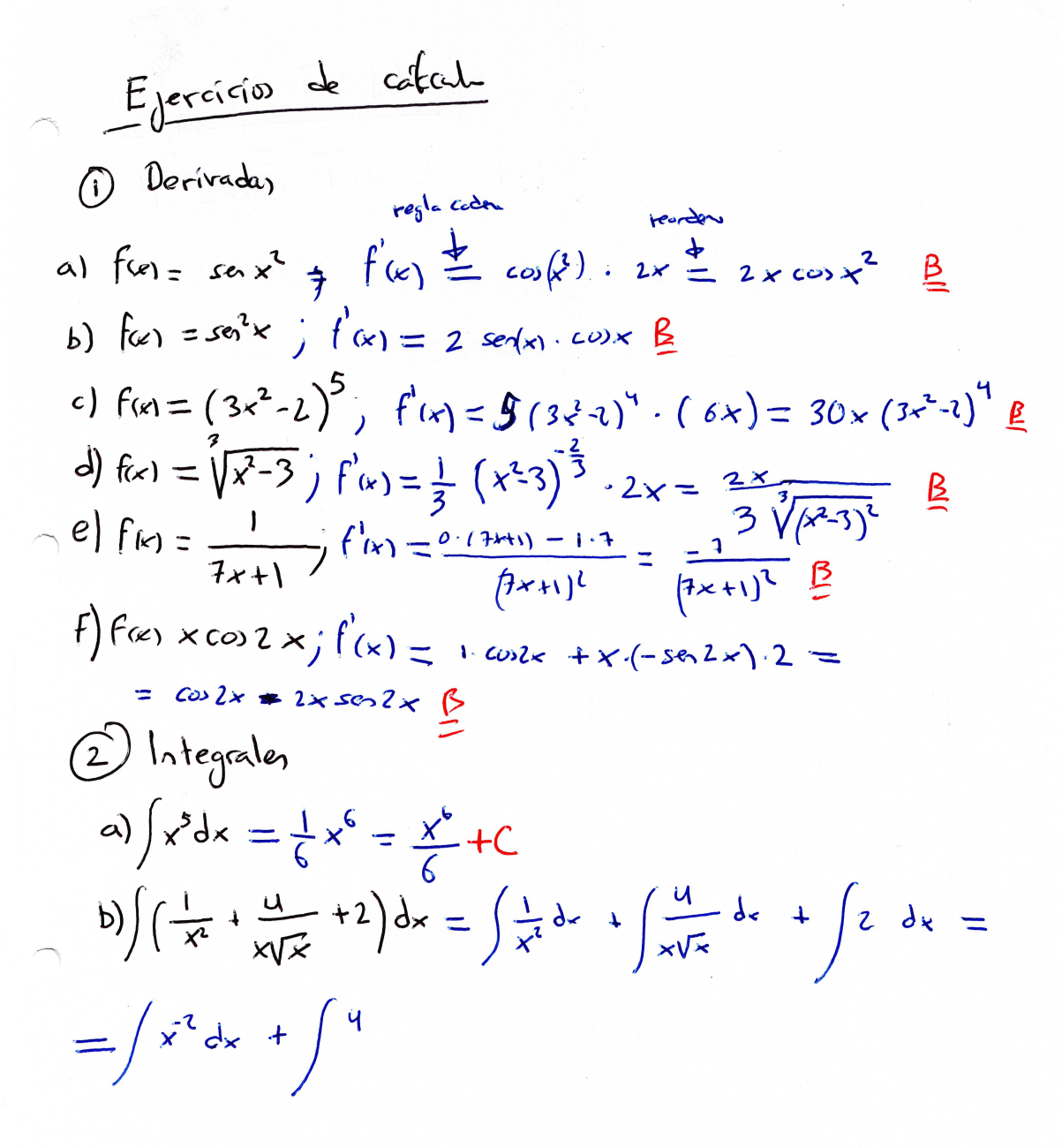
The optimized page one, almost as good as the original, but it weighs very few bits.